Reference-accurate prompt direction

Keep the frame.Change the subject.

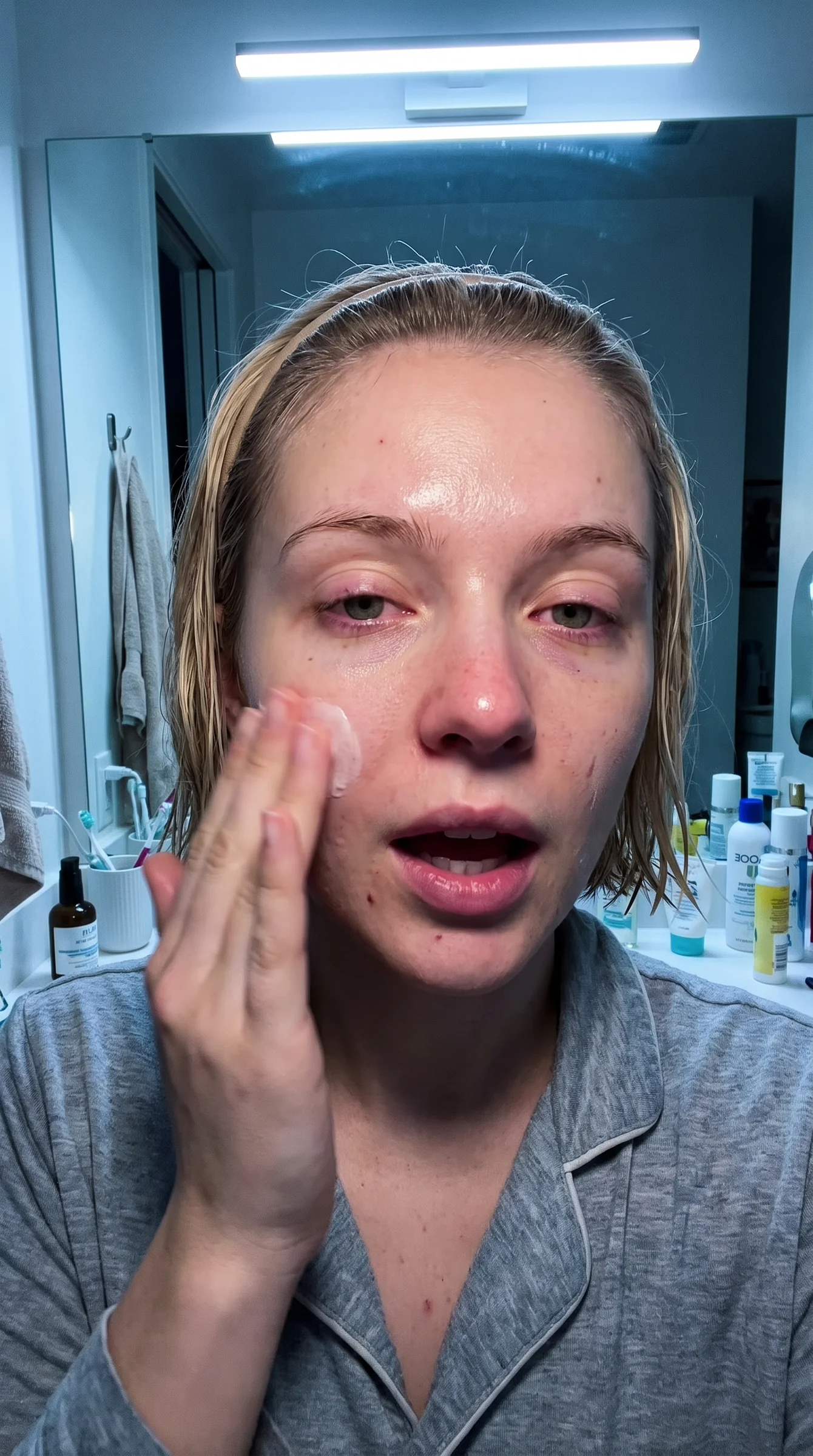
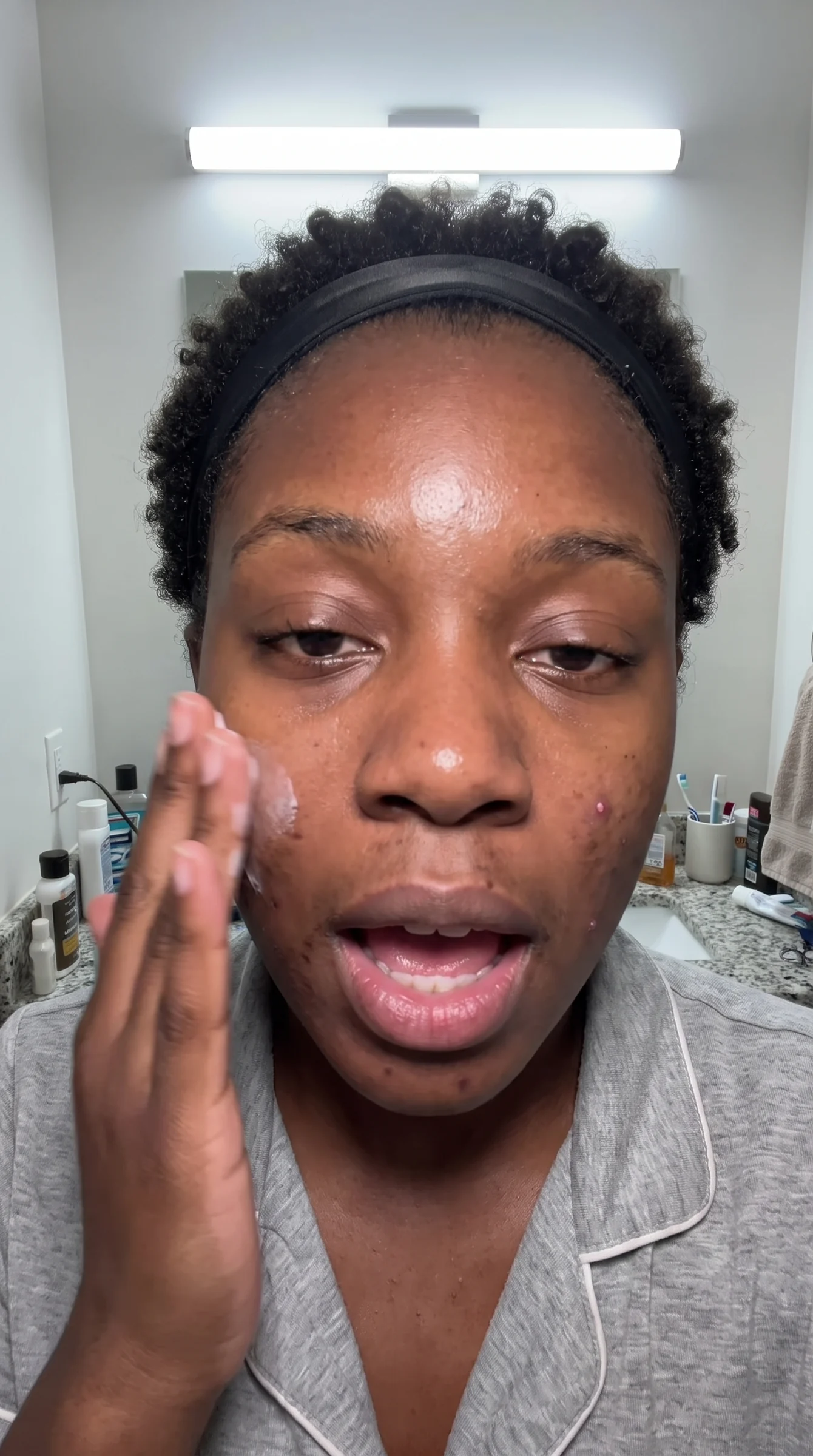
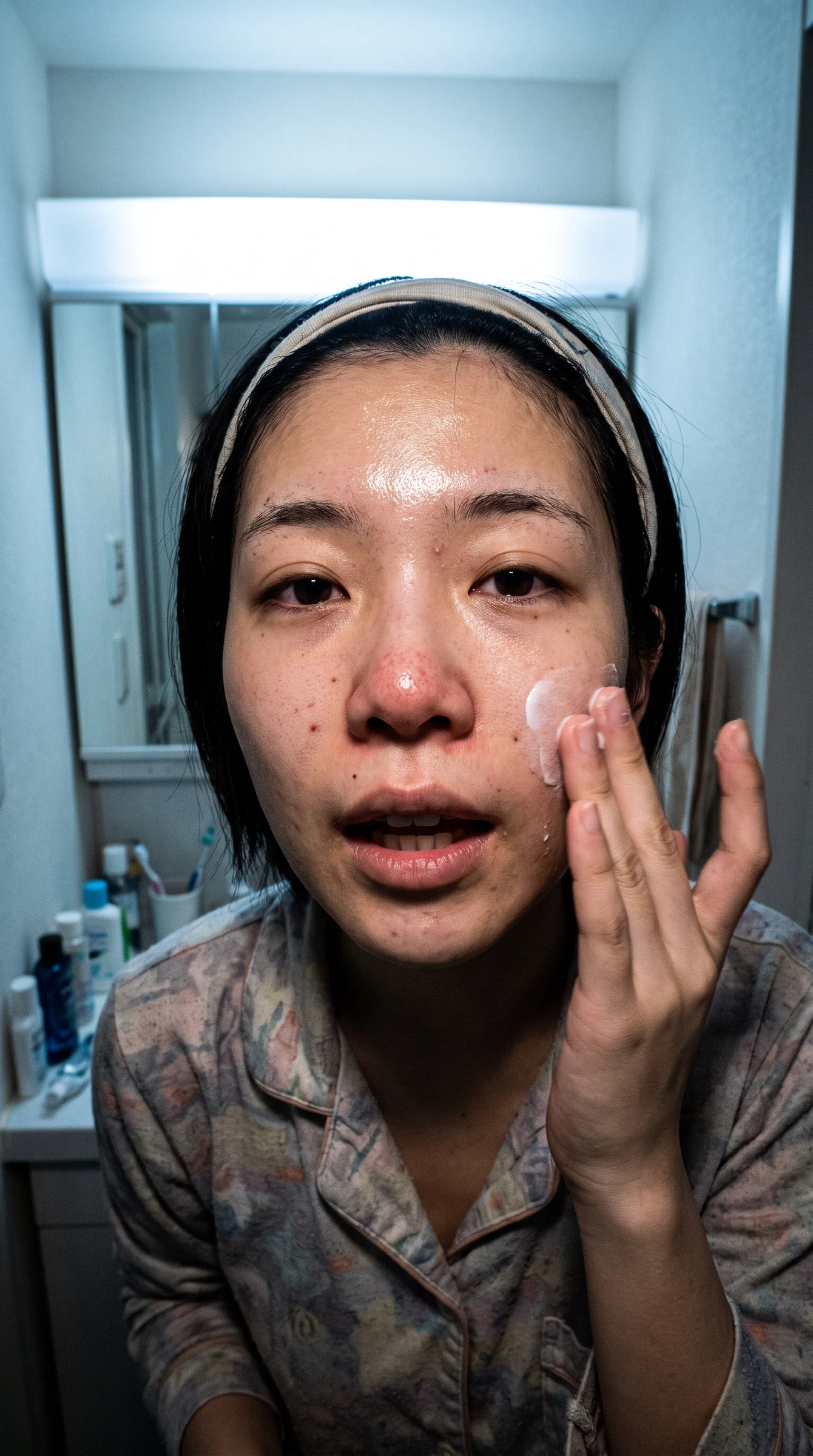
Turn any reference image into a controlled editing prompt. Preserve the pose, camera, crop and lighting while changing identity, wardrobe and location.

Woman applying skincare in a bathroom reference frame
Black woman recast into the same skincare reference composition
Asian woman applying skincare in the same locked reference composition

Detail is the whole job

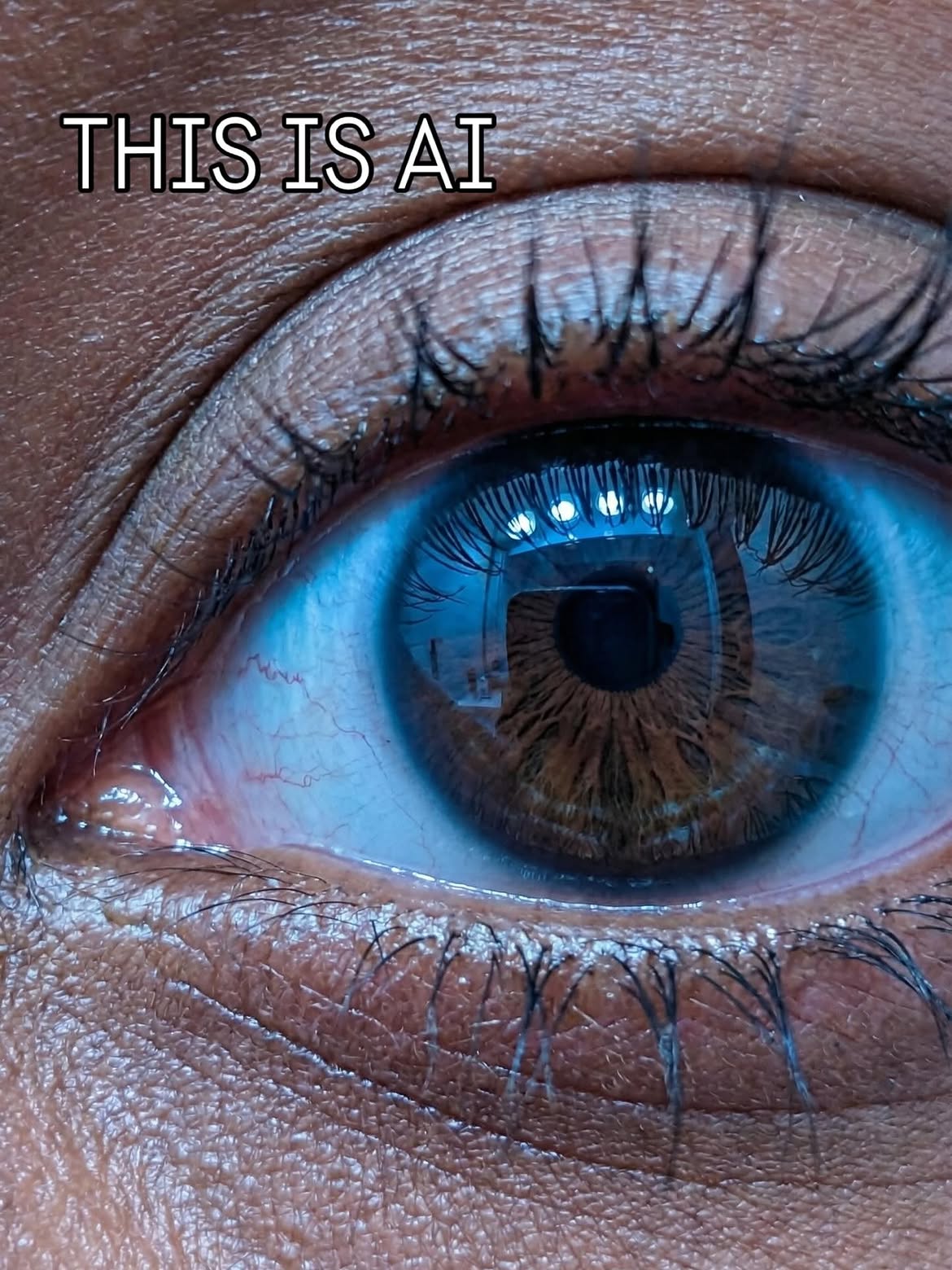
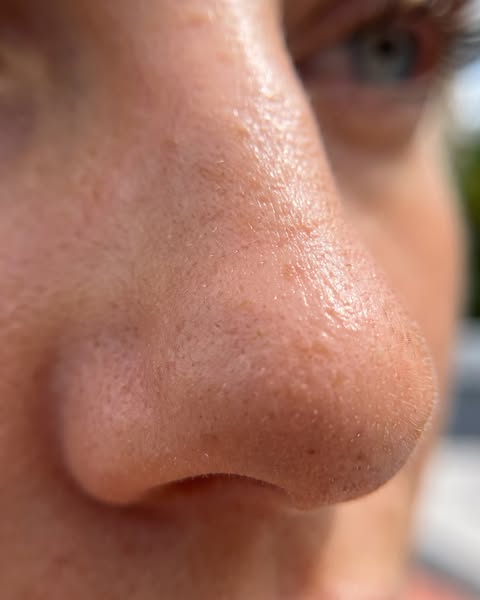
Every frame below is AI.

Pores, peach fuzz, lash direction, catchlights. This is the level of detail a prompt has to protect — and exactly what Frame Lock writes into every build.

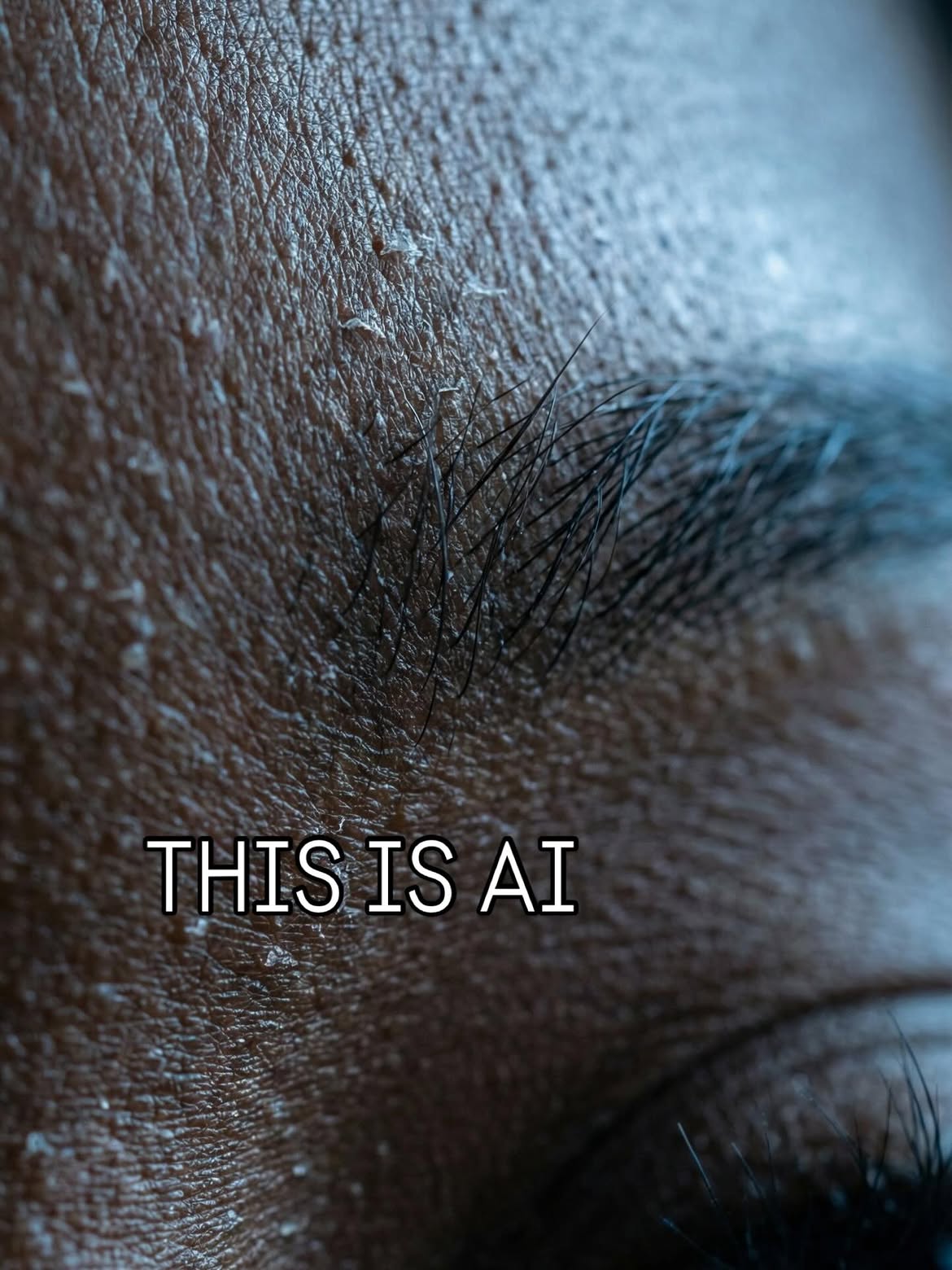
Macro photograph of a brow and forehead showing skin texture, flaking and individual hairs100% AI

Skin texture

Flake, sheen and pore structure held exactly as the reference shows it.

Macro photograph of an eye with visible lashes, iris fibres and window catchlights100% AI

Eyes and catchlights

Lash direction, iris fibre and reflected light stay under the frame's authority.

Macro photograph of a nose in daylight showing pores and fine facial hair100% AI

Daylight falloff

Direction, softness and colour of the light survive the recast unchanged.

Two tools. Two jobs.

Built around your actual workflow.

No giant dashboard full of unrelated models. Choose the exact job you need and build a prompt that gives every reference one clear role.

01
Single-reference recasting

Frame Recast

Start with an inspiration image. Build a detailed standalone prompt for a new fictional person and similar scene. Generate from text alone, without image editing.

  • One reference image
  • Different fictional identity
  • Original alternative wardrobe
  • Controlled location variation
Open Frame Recast
02
AI video first-frame creation

Character Lock

Bring your existing AI character into a video reference frame. Image one owns the composition; image two owns the character identity—without mixing them up.

  • Video-frame screenshot
  • Separate character reference
  • Strict reference roles
  • Ready for image-to-video
Open Character Lock

The problem we solve

Stop fighting prompt drift.

Most prompts describe what you want. Frame Lock also defines what the image model is not allowed to change.

The result is a structured editing instruction with clear preservation rules, reference authority and negative constraints—built from the image itself rather than guesswork.

01

Composition stays locked

Pose, camera angle, lens perspective, crop, lighting direction and subject scale stay under the reference frame’s authority.

02

Identity changes cleanly

A new fictional face is directed without allowing the body, gesture or composition to mutate around it.

03

Variations stay controlled

Wardrobe and location details change with enough difference to feel original while preserving the frame’s visual logic.

From reference to ready prompt

Three steps. No prompt engineering required.

01

Upload

Give Frame Lock the reference image—or images—that hold authority for the job.

02

Direct

Choose the identity, wardrobe and location variation without writing technical instructions.

03

Copy

Paste the finished prompt into GPT Image with the same references and run it as an edit.

Founding member plan

Precision for £8 a month.

Both specialist workflows, 100 successful prompt builds per billing month, secure server-side generation and a price locked while you remain subscribed.

View the plan